Your own PS1 BIOS and matching game disc files are required.Downloads contain the PC application and player settings, with no BIOS image, original BIN/CUE or extracted boot program. Keep your CUE and BIN tracks together, extract the ZIP, run Start-Game.cmd, choose your own PS1 BIOS, then choose your game CUE before playing. Supported BIOS dumps: SCPH-1001 v2.2 (USA), SCPH-5501 (USA), SCPH-5500 (Japan), or SCPH-5552 (Europe). These exact 512 KiB images are checked by SHA-256 before launch. BIOS selection is remembered locally. First use prepares its backend on your PC and can take a minute. OpenBIOS fallback is disabled. Edition IDs below identify the supported game disc; several builds use European editions.
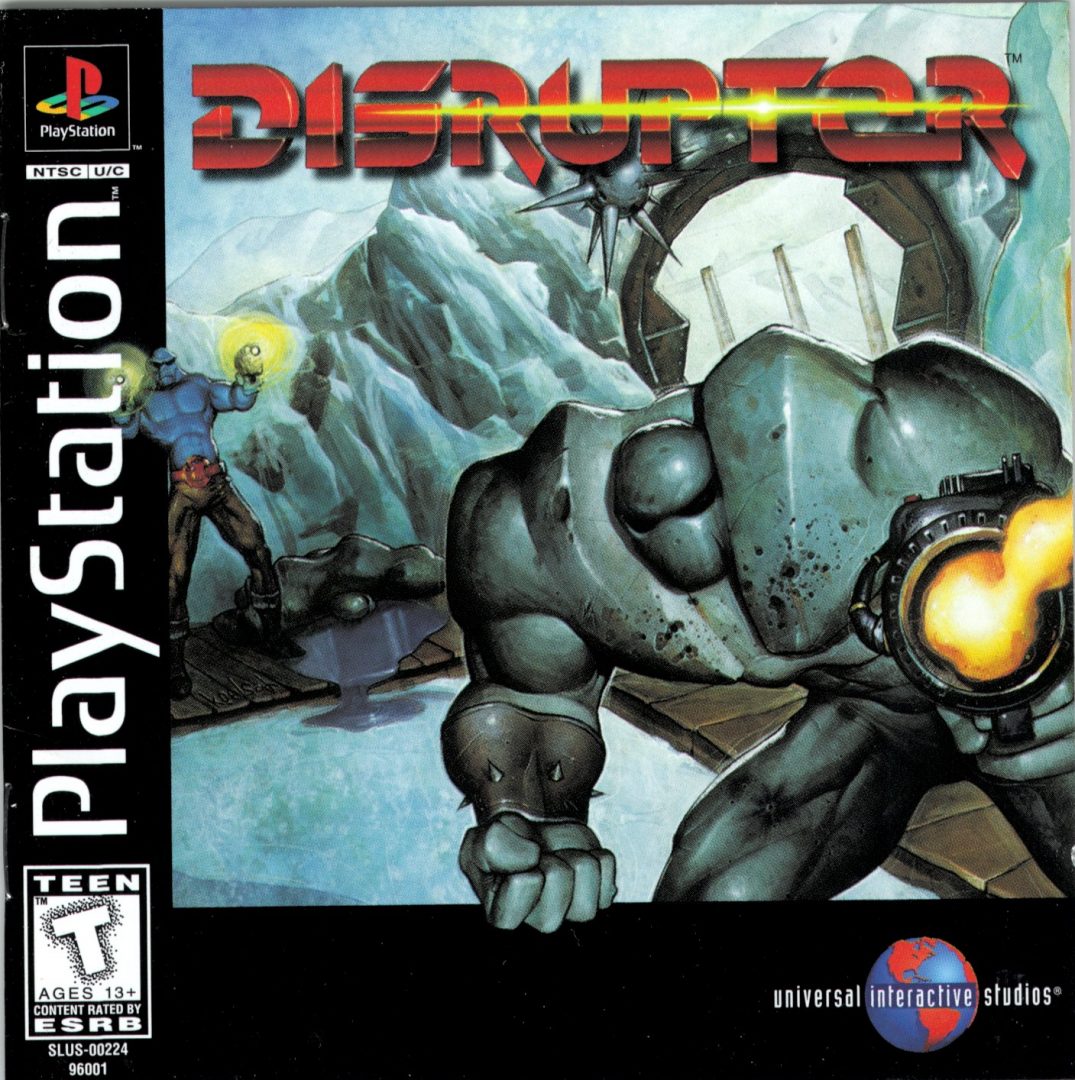
F2: 1080p, 1440p 16:9, 1440p 21:9, 4K and refresh settings. F8: controller selection and button mapping. Use Gamepad (Automatic) for wired PS4 controllers. This input mode was confirmed in Disruptor; other titles and full gameplay coverage still need testing. Ray tracing and frame generation are not included.
v0.1.7: HD Texture Pack controls. Every player now has an HD Texture Pack option to choose, check and enable a compatible replacement folder, or turn it off. Pack settings are saved for each game. HD artwork is not included. This update adds 21 disc editions, including Alundra 2; full gameplay testing remains pending.
BIOS preparation fixed. Choose SCPH1001.BIN or SCPH-5501.BIN with Choose PS1 BIOS. Both exact images are accepted by their content checksum, even if renamed. First use prepares the selected BIOS locally using the included tools; subsequent launches reuse it. Both BIOS files passed Windows preparation and launch checks in Disruptor. All 46 packages include the corrected BIOS preparation tools and passed package checks; full gameplay testing for every title remains pending. No BIOS files or game discs are included.
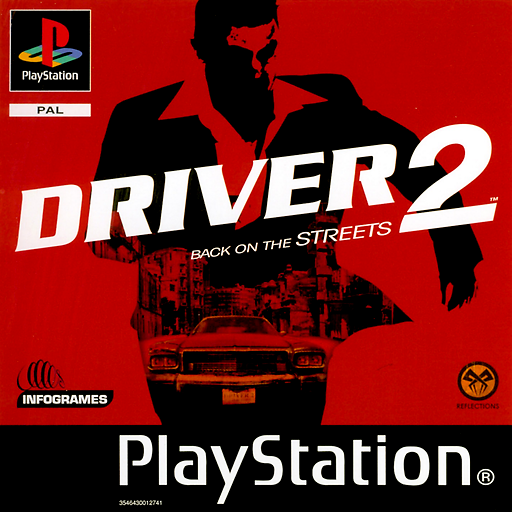
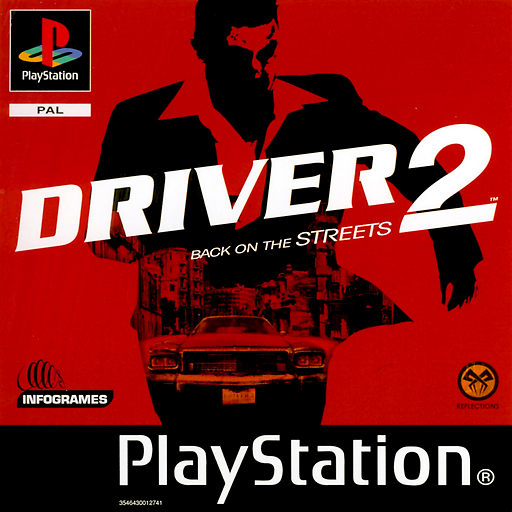
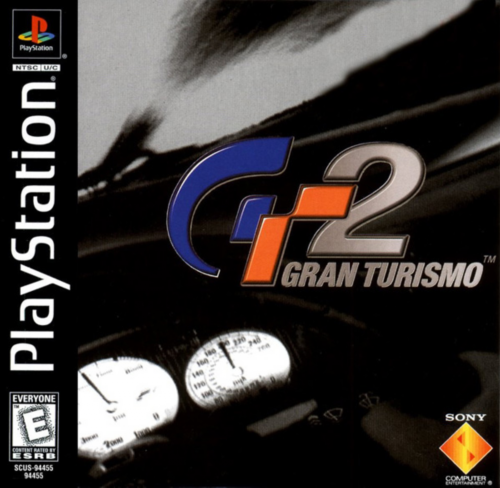
v0.1.5: Disc set / Change Disc. All players include the shared disc controls. Driver 2 (Europe) and Gran Turismo 2 (Europe) have verified two-disc sets. Before Play, use Disc set / Change Disc → Set up discs and select your own matching CUE/BIN for each disc. When the running game requests another disc, choose it in that control; the game stays running and uses the same memory cards. GT2 Arcade and Simulation remain separate boot modes: start each mode with its corresponding package. If you played an older release, select your existing save folder; cards are never merged or overwritten. Windows in-game disc-change prompts still need testing.
Free experimental releases. Please retain the included third-party notices. Release manifest and checksums ↗
 PS1 → PC